


How to Join
What is Draw Together?
Once a month, at the start of every month, the community gets together to draw pixelart on a big canvas. While there's a theme and color challenge, if you'd just like to join and draw, you can do that too!
Getting Started
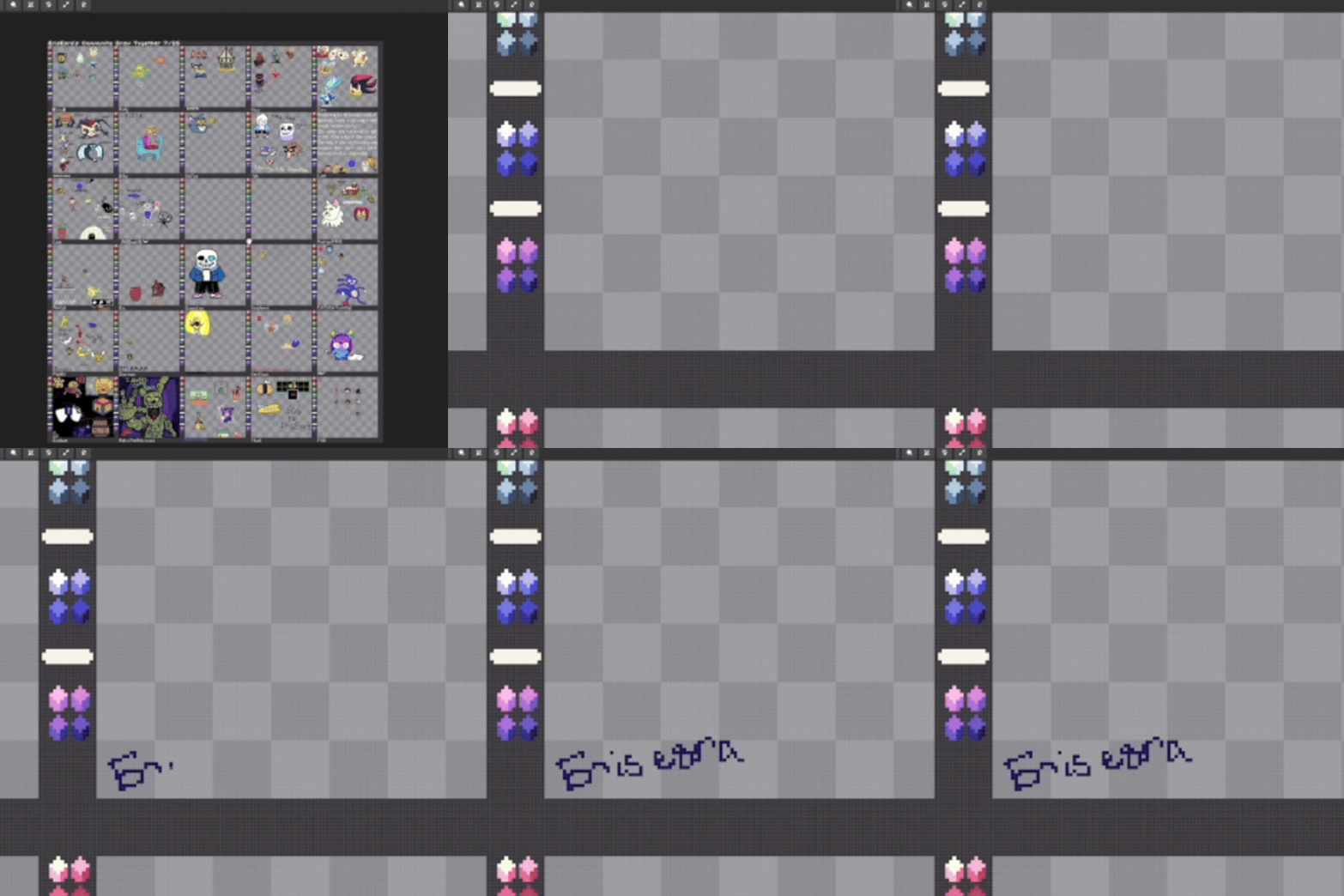
Find an empty spot on the board . Using the Pixel-Pen(N), write your name in the bottom left.
Tools
-
Pixel Pencil (N)
-
Eraser (E)
-
Chat (Enter)
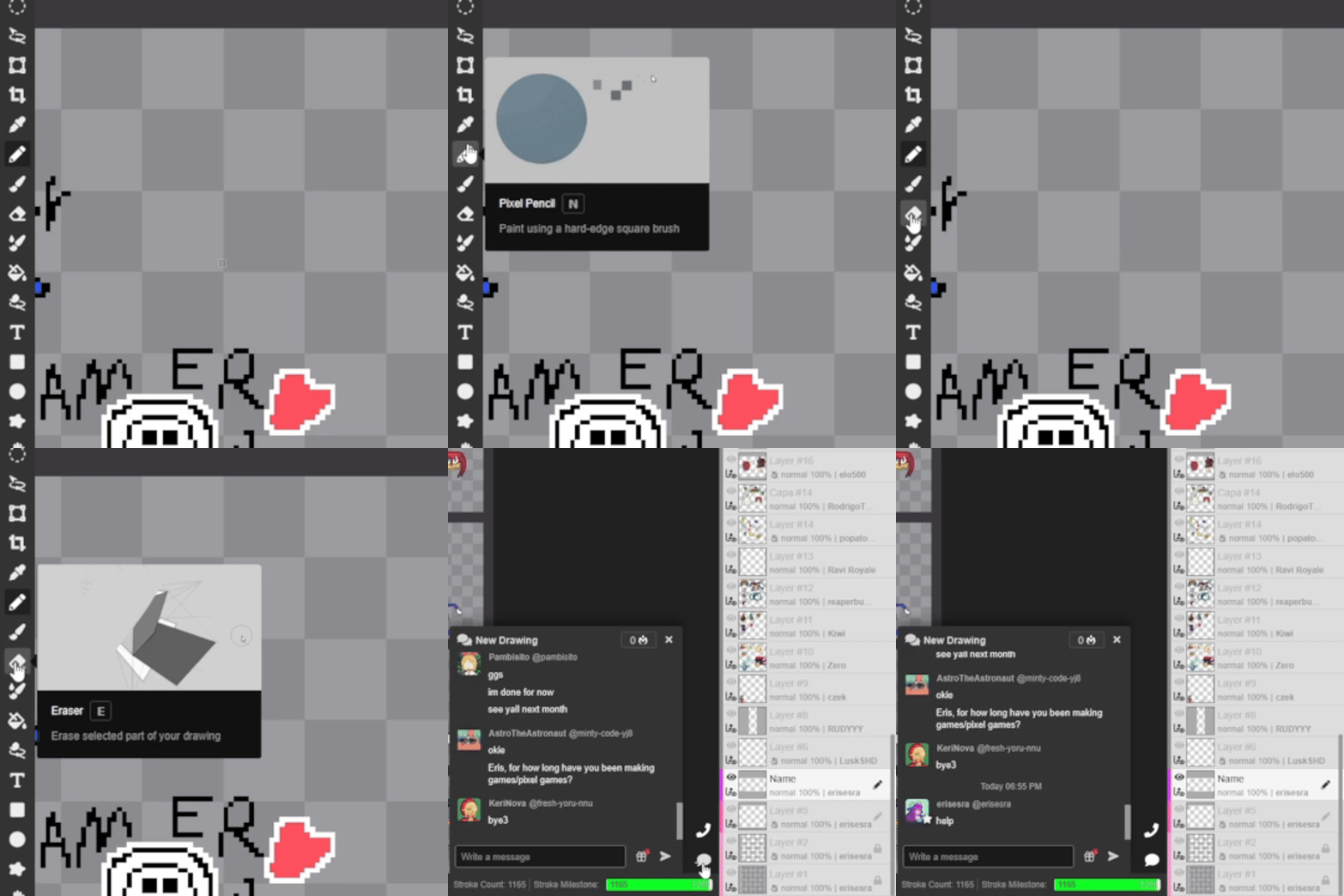
Eraser
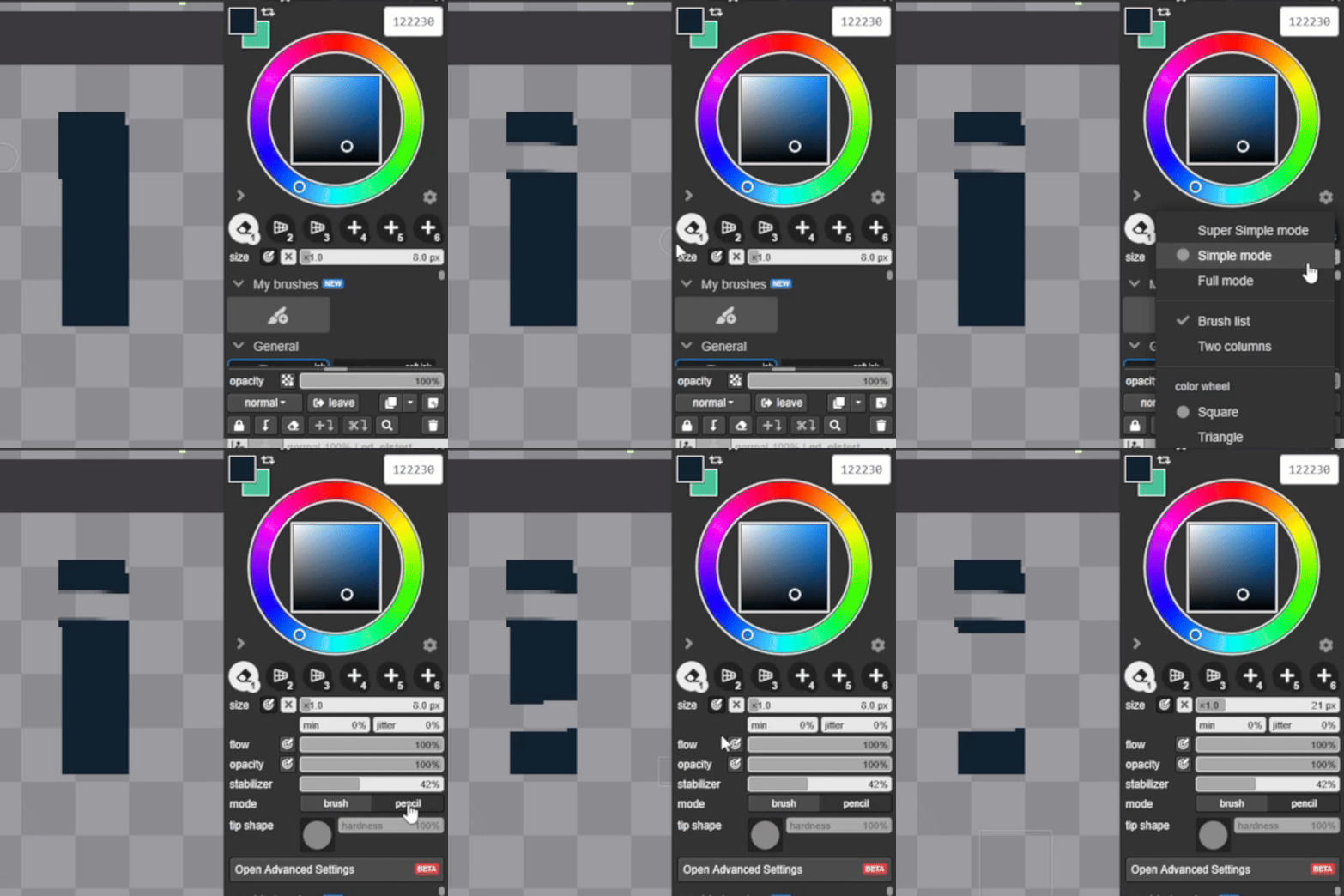
To set up the erase, click the layout options cog, and set the mode to: Full. From there, make sure your eraser mode is set to: Pencil
Name
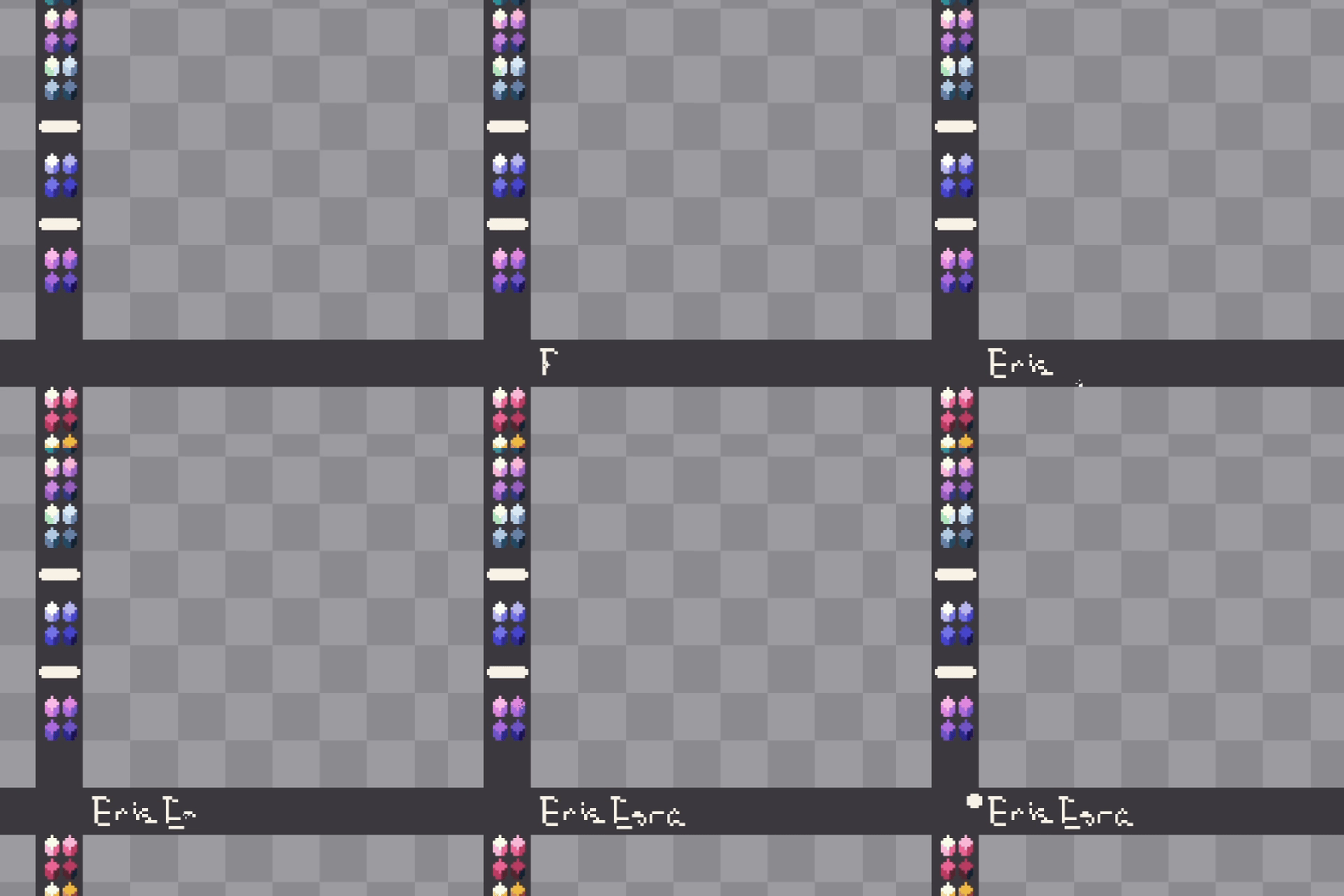
Write your name in the bottom left corner of your box. A moderator will come by and edit it to the default font. If you want to keep it as it, add a little dot beside your name and it won't be edited!
Adding your name is not required! I just want to give credit where it's due!
Rules
-
No NSFW - If you couldn't show it to your grandma, it's a good bet you shouldn't draw it.
-
Stay in your own box
If you've read all of the above and would like to join, click the link below!
Notice: Currently, you can't copy and paste into the board